
Teach AI what good design looks like to you.
Taste started as a joke: an app where you could lick your screen to save a design you loved. Then people actually used it, and it turned into a product used by thousands of designers and builders.
The first job was practical. AI coding tools default to generic UI, so Taste turns the screenshots you admire into a structured profile that Codex, Claude Code and Cursor design from, and your agents ship something closer to what you would have.
Then I realized what all that activity adds up to. Every upload, poll, rating, judgment and annotation is a human expressing taste in a structured way. That makes Taste a source of high-quality design preference data, the kind frontier labs need to teach models what good design looks like.
Design decisions
- 01
Save from wherever you find design
Taste lives on five surfaces: the web, a Mac app with a global hotkey, an iOS app on the share sheet, a Chrome extension and a Figma plugin. Saving is deliberately boring. No tagging, no folders, no curation. Everything lands in one library, and every save becomes a labeled example.
Teach your AI agents how you think about designFive surfaces, one library. - 02
Taste as structured data
A GPT-4o vision pipeline extracts more than 40 signals from every capture: colors with semantic roles, the type scale, spacing rhythm, shape language, density, WCAG contrast on real text pairs, and bounding-boxed UI elements. Across a library, those collapse into a versioned Taste Profile with per-category scopes.
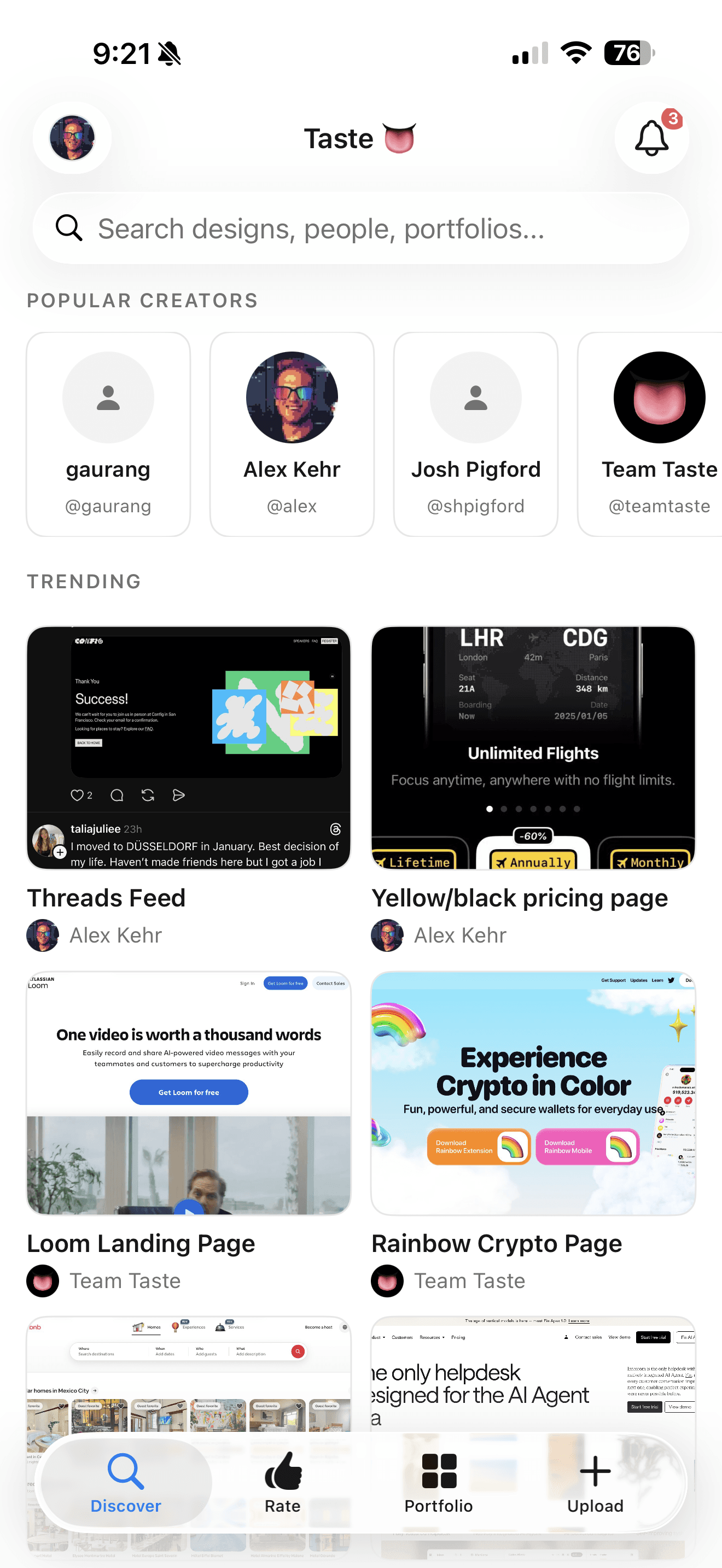
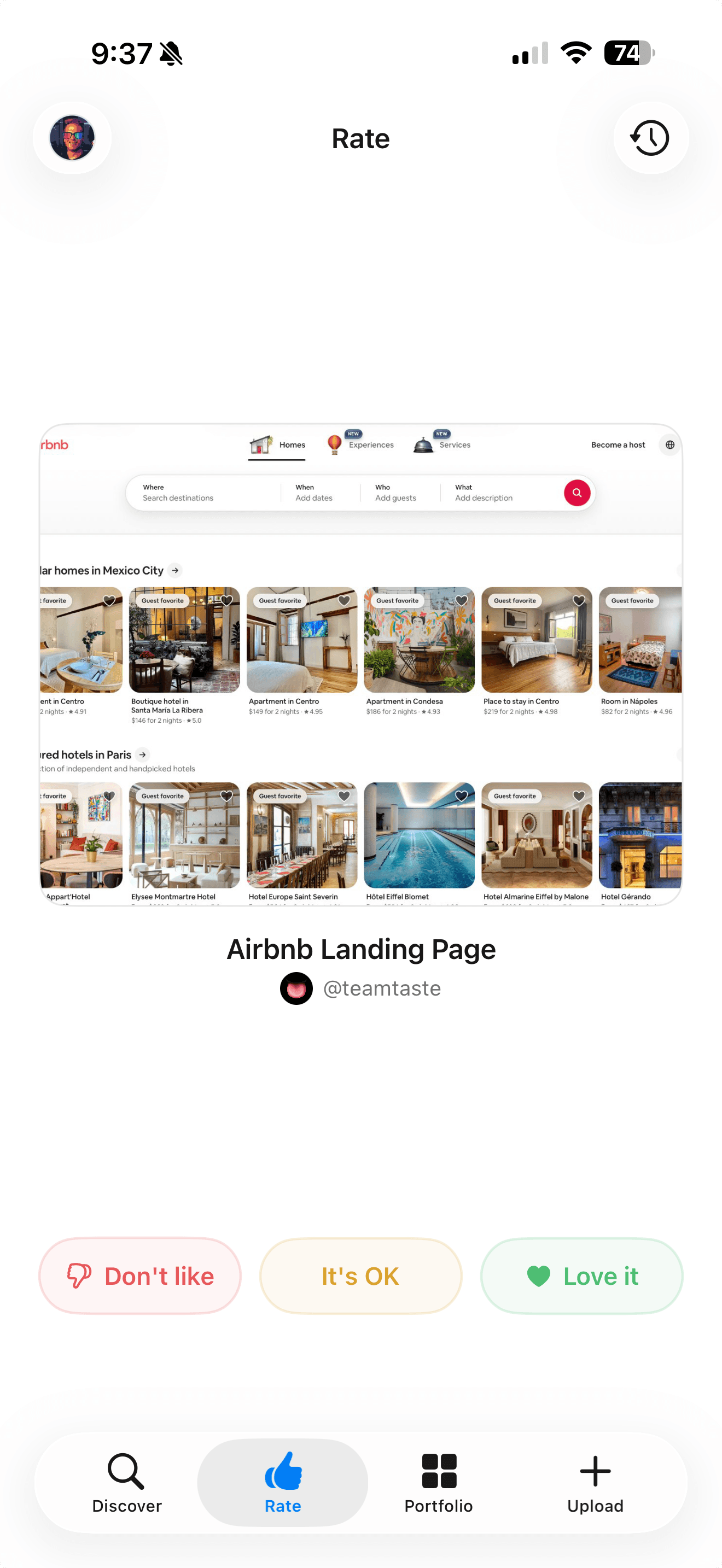
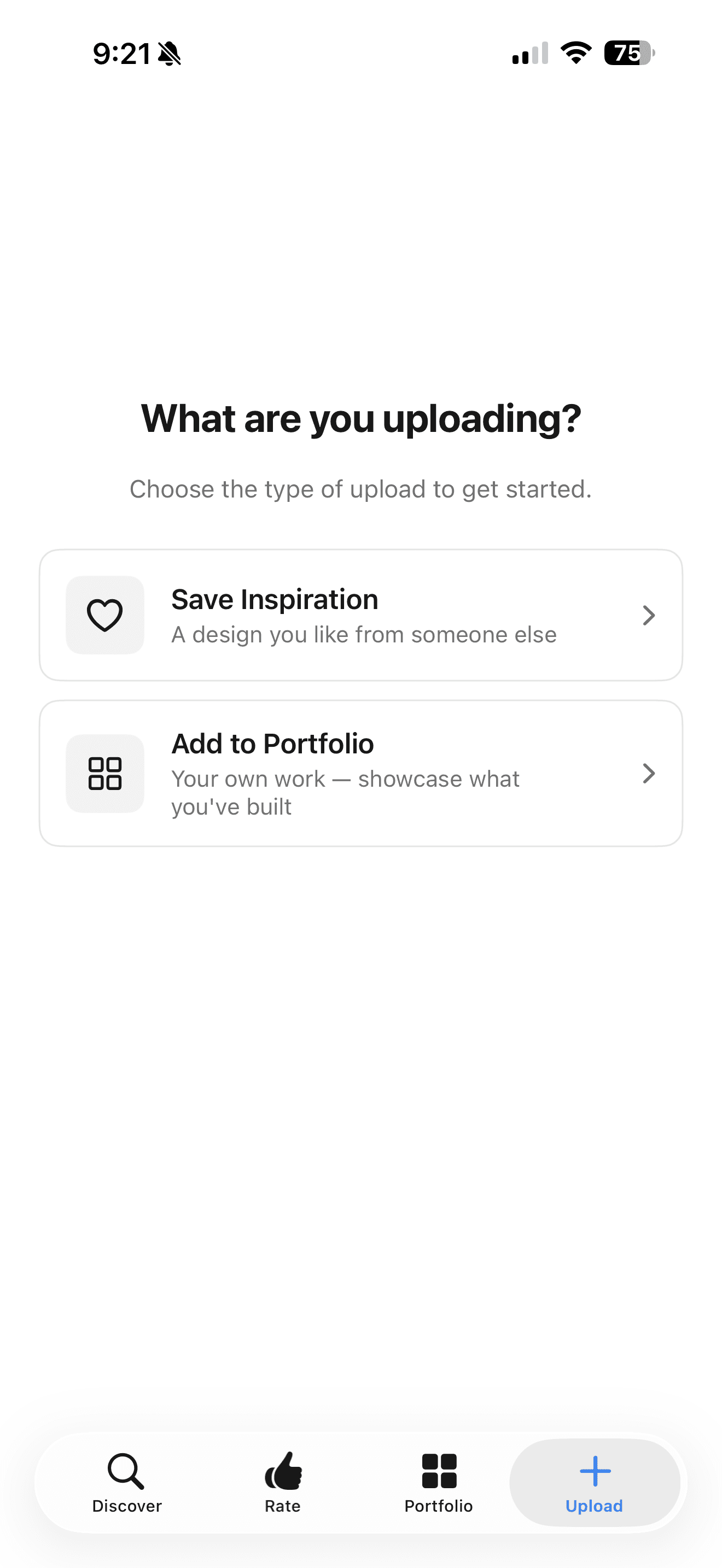
Taste for iOS: capture, rate, and browse community designs. - 03
Capturing judgment, not just likes
A save tells you what someone likes. Judgment tells you why. I've built several ways to capture it, each trading a little effort for richer signal: short interviews about a design, ratings, Tinder-style swipes, and now polls. A poll shows you a design and asks what you'd change. You pick between two options, or choose a third to make your own change. Together they turn taste into structured preference data instead of a pile of bookmarks.
- 04
What you reject matters as much as what you love
Every profile has an explicit anti-preferences block. Rate any AI-generated screen nailed it, close, or missed, and that feedback feeds the next synthesis pass. It's prompt-level RLHF for your taste, with no fine-tuning.
~/.claude/skills/taste/SKILL.md## Anti-Preferences- Dislikes overly muted or low-contrast designs- Dislikes busy layouts with too many buttons- Dislikes sharp cornersAn excerpt of my own exported profile. This site was designed with an agent reading it. - 05
Live where the AI reads it
Taste should never be the thing you stare at. The profile exports as a Codex or Claude skill and runs as an MCP server with OAuth 2.0, rotating tokens and a full audit log, so it becomes live context on every prompt. Calibration, not prompting.
Highlights
- Shipped across macOS, iOS, web, a Figma plugin, a Chrome extension and an MCP server
- Vision pipeline extracts 40+ structured design signals per screenshot
- Preference data as 6-dimensional taste vectors and Elo-scored pairs
- Supabase backend: Postgres with RLS, pgvector, twelve edge functions
Next